Notice
OpenModelDB is still in alpha and actively being worked on. Please feel free to share your feedback and report any bugs you find.
The best place to find AI Upscaling models
OpenModelDB is a community driven database of AI Upscaling models. We aim to provide a better way to find and compare models than existing sources.
Found 663 models
ESRGAN
1x
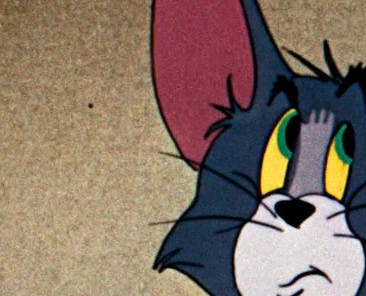
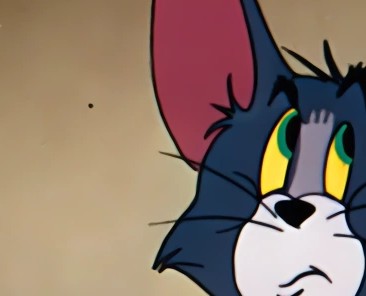
Archiver AntiLines
by Loganavter
A specialized model from the Archivist suite, designed to remove linear artifacts. It excels at eliminating horizontal lines that other denoisers often mistake for part of the line art.
This model is optimized for input resolutions between 720p and 1080p. Using it on significantly different resolutions may produce suboptimal results.
All Archivist models are trained on a custom dataset generated by a physics-based degradation simulator. Recommended Workflow: Use Archivist to fix physical defects, then pass the result through DRUNet (low strength) to stabilize.
ESRGAN
1x
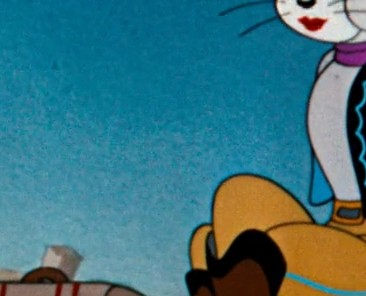
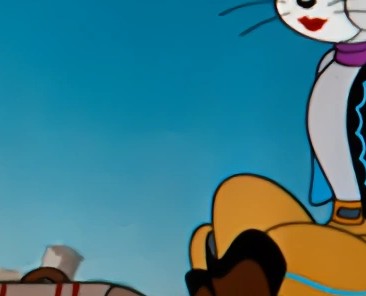
Archiver Medium
by Loganavter
A general-purpose model from the Archivist suite, providing a balanced approach to removing common film grain and dirt while preserving the original drawing texture. It is the recommended starting point for most footage.
This model is optimized for input resolutions between 720p and 1080p. Using it on significantly different resolutions may produce suboptimal results.
All Archivist models are trained on a custom dataset generated by a physics-based degradation simulator. Recommended Workflow: Use Archivist to fix physical defects, then pass the result through DRUNet (low strength) to stabilize.
ESRGAN
1x
Archiver RGB
by Loganavter
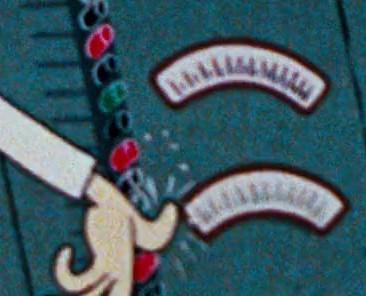
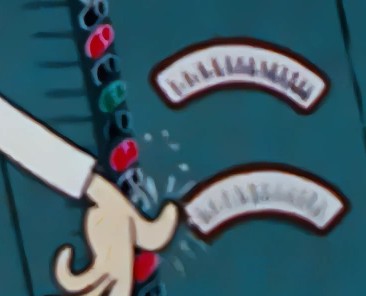
A specialized model from the Archivist suite, specifically tuned for tackling heavy chromatic (color) noise and severe color channel degradation, often seen in Metrocolor films. Note: its capabilities overlap with the Rough model, but it is better suited for color-based artifacts.
This model is optimized for input resolutions between 720p and 1080p. Using it on significantly different resolutions may produce suboptimal results.
All Archivist models are trained on a custom dataset generated by a physics-based degradation simulator. Recommended Workflow: Use Archivist to fix physical defects, then pass the result through DRUNet (low strength) to stabilize.
ESRGAN
1x
Archiver Rough
by Loganavter
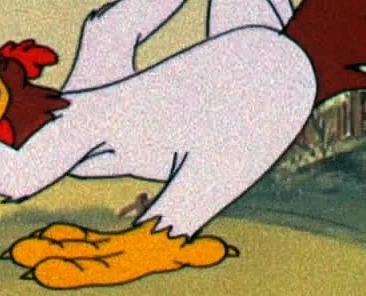
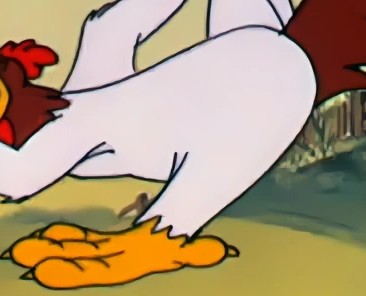
An aggressive restoration model from the Archivist suite for severely degraded footage. It attempts to reconstruct heavily damaged or lost details through hallucination. Note: its capabilities overlap with the RGB model, but it focuses more on structural integrity than color noise.
This model is optimized for input resolutions between 720p and 1080p. Using it on significantly different resolutions may produce suboptimal results.
All Archivist models are trained on a custom dataset generated by a physics-based degradation simulator. Recommended Workflow: Use Archivist to fix physical defects, then pass the result through DRUNet (low strength) to stabilize.
ESRGAN
1x
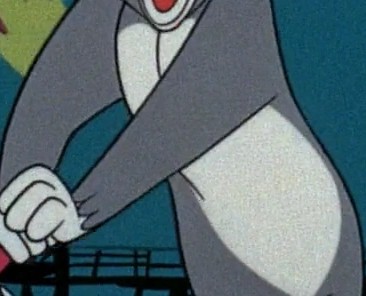
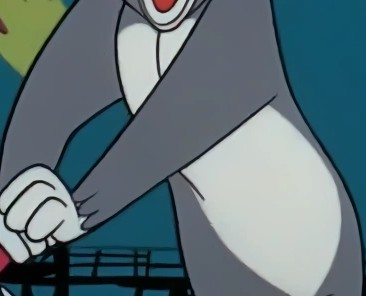
Archiver Soft
by Loganavter
A light-touch restoration model from the Archivist suite, designed for high-quality sources. It focuses on gentle denoising while preserving the original film grain aesthetic. CAVEAT: In some scenarios, a standard DRUNet might yield subjectively better results. Always compare on your specific footage.
This model is optimized for input resolutions between 720p and 1080p. Using it on significantly different resolutions may produce suboptimal results.
All Archivist models are trained on a custom dataset generated by a physics-based degradation simulator. Recommended Workflow: Use Archivist to fix physical defects, then pass the result through DRUNet (low strength) to stabilize.
Compact
1x
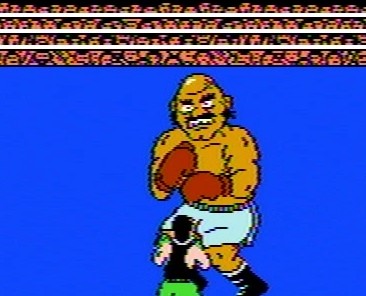
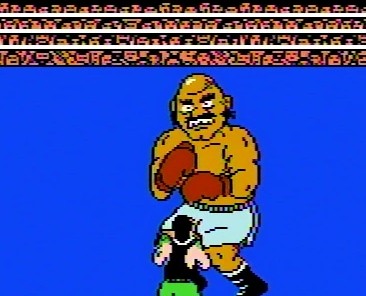
NES-Composite-2-RGB-Small
by pokepress
Takes composite/RF/VHS NES footage and attempts to restore it to RGB quality. Assumes footage has been properly deinterlaced via field duplication from 240p to 480p/720p/etc. Note that:
* All footage was captured in 240p/480p/720p NTSC.
* RGB footage was captured via an AV Famicom with the RGB Blaster via the Retrotink 2x or GBS Control.
* The model was trained exclusively on individual frames, so it can't fix things like dropouts.
* The even and odd fields of NES composite tend to be a bit...different from each other, so there will be some jitter at 60fps.
* I don't have access to an NES Toploader, so I wouldn't expect it to fix the jailbars very well.
Compared to the OmniSR variant of this model, this version runs more quickly (despite the larger model file size), and should do a good job on footage captured directly from the console using composite. If your footage is from a VHS tape or was captured over RF, the slower OmniSR model is probably a better choice.
Revision History:
* 1.5.0 (09/17/2025): Added "Small" version of model
Compact
1x

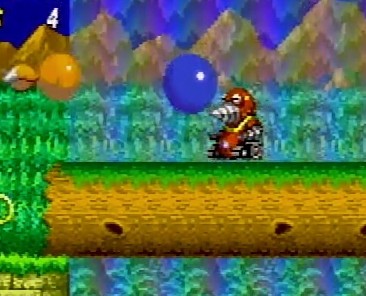
Sega Genesis Cleanup-Small
by pokepress
Takes composite/RF/RGB/VHS Genesis footage and attempts to restore it to RGB quality. Assumes footage has been properly deinterlaced via field duplication from 240p to 480p/720p/etc. Note that:
* All footage was captured in 240p/480p/720p NTSC.
* Ground truth RGB footage was captured via a triple-bypassed Model 2 Genesis with new capacitors via the Retrotink 2x or GBS Control. Other footage was captured from various Model 1 Genesis consoles (with and without the "High Definition Graphics" mark).
* The model was trained exclusively on individual frames, so it can't fix things like dropouts.
* Should help fix color, blur, and jailbars.
* Cannot un-dither fully blended pixels.
Compared to the OmniSR variant of this model, this version runs more quickly (despite the larger model file size), and should do a good job on footage captured directly from the console using composite or RGB. If your footage is from a VHS tape or was captured over RF, the slower OmniSR model is probably a better choice.
Revision History:
1.0.0 (09/16/2025): Initial release.
OmniSR
2x

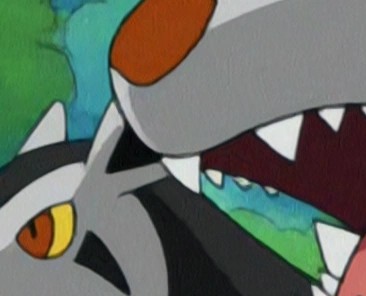
Digital Pokémon-Large
by pokepress
This model is designed to upscale the standard definition digital era of the Pokémon anime, which runs from late season 5 (Master Quest) to early season 12 (Galactic Battles). During this time, the show was animated digitally in a 4:3 ratio. This process was also used for Mewtwo Returns, most of Pokémon Chronicles, and the Mystery Dungeon specials.
Advice/Known Limitations:
* This OmniSR model can occasionally produce black frames when run in fp16 mode. This seems to be more common in the TPCi era (seasons 9 and later). The issue is sporadic enough that it probably makes sense to do a first pass in fp16, then re-upscale any affected shots in fp32.
* I recommend using QTGMC on a preset of "Slow" or slower for deinterlacing. While the show is primarily animated at 12/24 fps, some elements like backgrounds are animated at a full 60i, particularly for the Diamond & Pearl era, which increased the base animation frame rate to 15 fps.
* The model is not great at handling fonts, particularly the italicized text in the episode credits. This is despite including font images in the training data.
Version History:
* 1.1.0 (9/16/2025): Added images from SD portion of season 12, augmented training to better handle slightly resized images.
* 1.0.0: Initial Release
CUGAN
2x

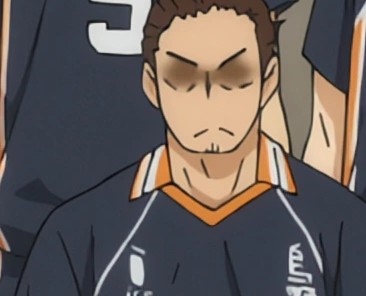
Fallin Soft
by renarchi
A 2x model for Real time upscaler for 1080p anime.
Fallin has two versions: “Soft” and "Strong"
For most users, “Soft” is a more safe choice, it has no oversharpening artifacts, and it is better at removing compression artifacts and denoising. If you want a safe choice, you should choose “Soft”.
“Strong” is the oversharpened version of Soft. Oversharpening artifacts may appear on lines, and lines may not always look good due to oversharpening. Unlike “Soft”, it has a problem with whitening faces. If you like sharpness, choose “Strong”. And I think “Strong” is better in DOF
Note: Keep in mind that Strong produces oversharpening artifacts.
Thanks to @styler00dollar for helping me fix the color issue.
CUGAN
2x

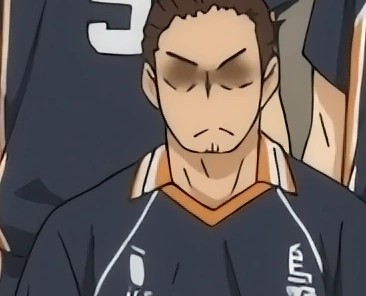
Fallin Strong
by renarchi
A 2x model for Real time upscaler for 1080p anime.
Fallin has two versions: “Soft” and "Strong"
For most users, “Soft” is a more safe choice, it has no oversharpening artifacts, and it is better at removing compression artifacts and denoising. If you want a safe choice, you should choose “Soft”.
“Strong” is the oversharpened version of Soft. Oversharpening artifacts may appear on lines, and lines may not always look good due to oversharpening. Unlike “Soft”, it has a problem with whitening faces. If you like sharpness, choose “Strong”. And I think “Strong” is better in DOF
Note: Keep in mind that Strong produces oversharpening artifacts.
Thanks to @styler00dollar for helping me fix the color issue.
OmniSR
1x
SEGA Genesis Cleanup
by pokepress
Takes composite/RF/RGB/VHS Genesis footage and attempts to restore it to RGB quality. Assumes footage has been properly deinterlaced via field duplication from 240p to 480p/720p/etc. Note that:
* All footage was captured in 240p/480p/720p NTSC.
* Ground truth RGB footage was captured via a triple-bypassed Model 2 Genesis with new capacitors via the Retrotink 2x or GBS Control. Other footage was captured from various Model 1 Genesis consoles (with and without the "High Definition Graphics" mark).
* The model was trained exclusively on individual frames, so it can't fix things like dropouts.
* Should help fix color, blur, and jailbars.
* Cannot un-dither fully blended pixels.
Revision History:
1.0.0 (09/02/2025): Initial release.
Compact
2x
Where On Earth-Upscale-Small
by pokepress
Upscaling model for 1990s cartoon series "Where on Earth is Carmen Sandiego?" May also be useful for other shows of that era.
Note: Before using this model, you will need to either:
* Deinterlace the episodes (I recommend QTGMC on Slower) to 60 fps (I recommend 60 fps because that's the rate of the live-action footage and some other components).
* Repair the existing deinterlacing via one of the related models for this show.
Which method will depend on the episode and release. See the related deinterlacing models for details.
This show is...complicated. Unlike, say, the Super Mario Bros. Super Show, where live action and animated segments are generally separated into large chunks, Where on Earth is Carmen Sandiego repeatedly switches between live-action, traditional animation, 3D CGI, 2D computer graphics, stock photography, and other sources, sometimes combining them in the same frame. As such, rather than create multiple models for each type, I've created a single model for all footage types.
Known Weaknesses:
* The model performs less well on the live-action (Player) and 3D CGI (C5 Corridor) segments due to a scarcity of usable data in those scenes.
* I don't own the 2025 DVD release, so I can't comment on how well this model works on that footage.